Designed & Coded
Four Degrees Feels Like
 Peek-Now
A personal product I built end to end — designed and coded — to solve a problem I had standing by my window in Quebec City: 10°C on the forecast, no idea what to wear. Peek-Now turns weather into outfit recommendations. It proved itself on the web with auth, payment, hosting and deployment all wired up (Supabase, Stripe, GitHub, Vercel), then went native on iOS — Sign in with Apple, WeatherKit, StoreKit. The web app is sunset; peek-now.com now sends you to the App Store.
Peek-Now started in Quebec City, standing by the window with the day’s forecast on my phone — 10°C, partly cloudy, light wind — and no idea what to actually wear. The forecast was telling me what the air was going to do. It wasn’t telling me whether to wear a jacket, what kind, or whether the wind chill made the difference. The translation from “weather data” to “what should I put on” is a small but real cognitive task that everyone does every morning, and that nothing automated for me in a way I trusted.
So I built it.
Peek-Now is a personal product. It pulls weather data for the user’s location, considers actual feel — temperature, wind, humidity, precipitation — and recommends outfits matched to the forecast. Layered for cold, lighter for transitional, rain-ready for wet, breathable for hot. The logic reads the forecast and resolves it to an outfit — no setup, no learning curve, none of the guesswork left to the person at the window.
What makes this case study different from the others on this site is that I designed and coded it. End to end. I built it on the web: the auth flow wired through Supabase, the payment flow through Stripe, weather pulled through a data pipeline, the recommendation logic running server-side, the front end deployed continuously through Vercel from a GitHub repository I maintain.
Then the early feedback redirected it. Almost everyone checks the weather on a phone, and most people don’t think in terms of a “web app” — they think in apps you download and open. They hesitated at creating an account; they didn’t hesitate to install something. The moment that settled it was a user who said, “This is super cool — you should make an app.” They liked the product and hadn’t realized they were already using it. So I made the call: Peek-Now belongs on iOS, where the payment path is the App Store rather than Stripe. I switched Stripe off, sunset the web app, and rebuilt the product native in Swift — Sign in with Apple for the account, WeatherKit for the forecast, StoreKit for the subscription. Peek-Now lives in the App Store now; peek-now.com is a marketing page that sends you there. The web build is what proved the product out, and this case study keeps that record.
For a designer with thirty years of experience, building a product solo is a different exercise than designing one in a team. There is no engineering partner to say “that won’t work.” There is no PM to say “we don’t have time for that.” Every decision — the auth flow, the database shape, the pricing tier, the recommendation prompt, the deployment pipeline — sits with the same person who is also drawing the screen. What I learned is what every solo founder learns: the constraint is not what you can build. The constraint is what you can finish.
Peek-Now is what I finished.
I — From sketch to build
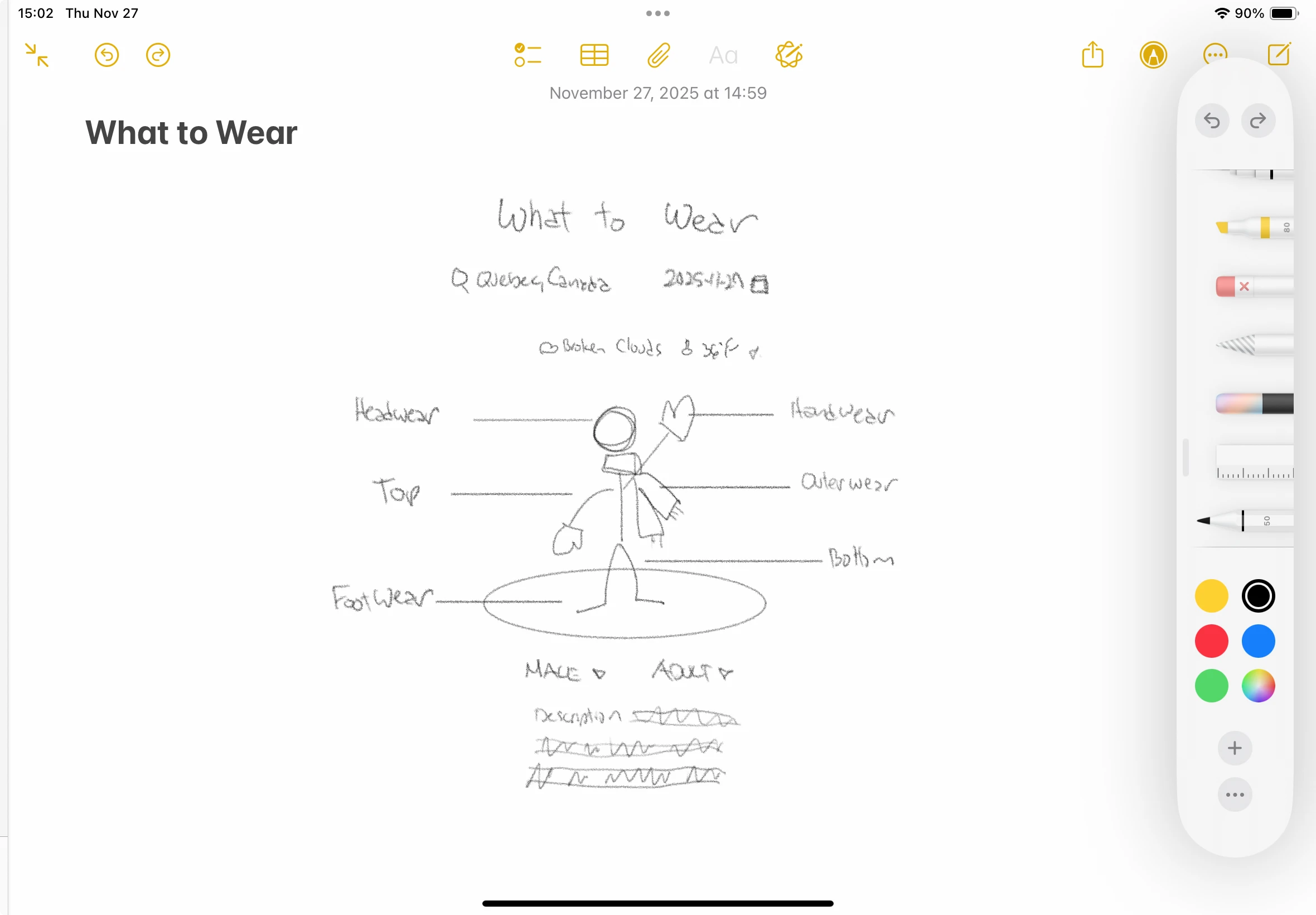
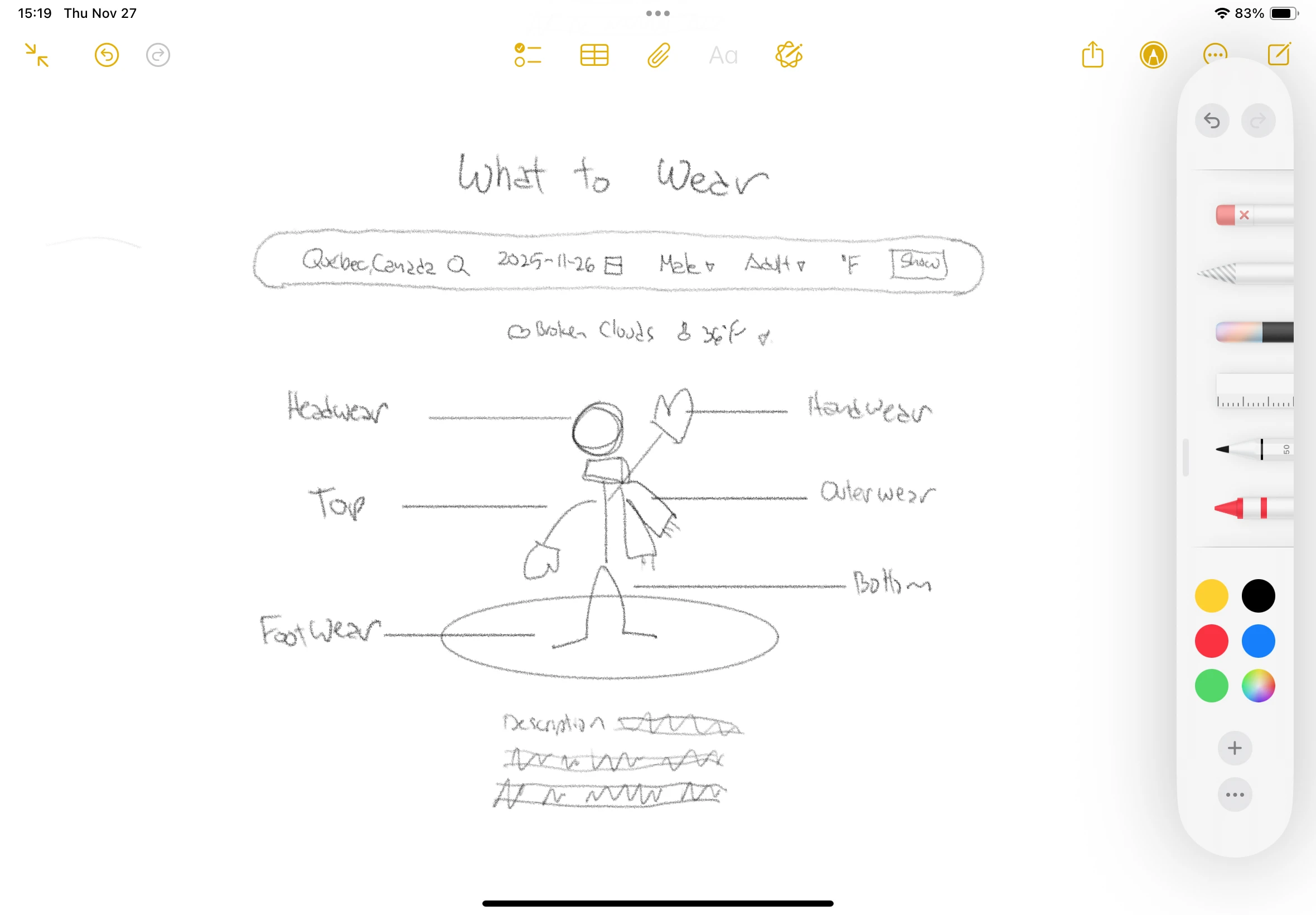
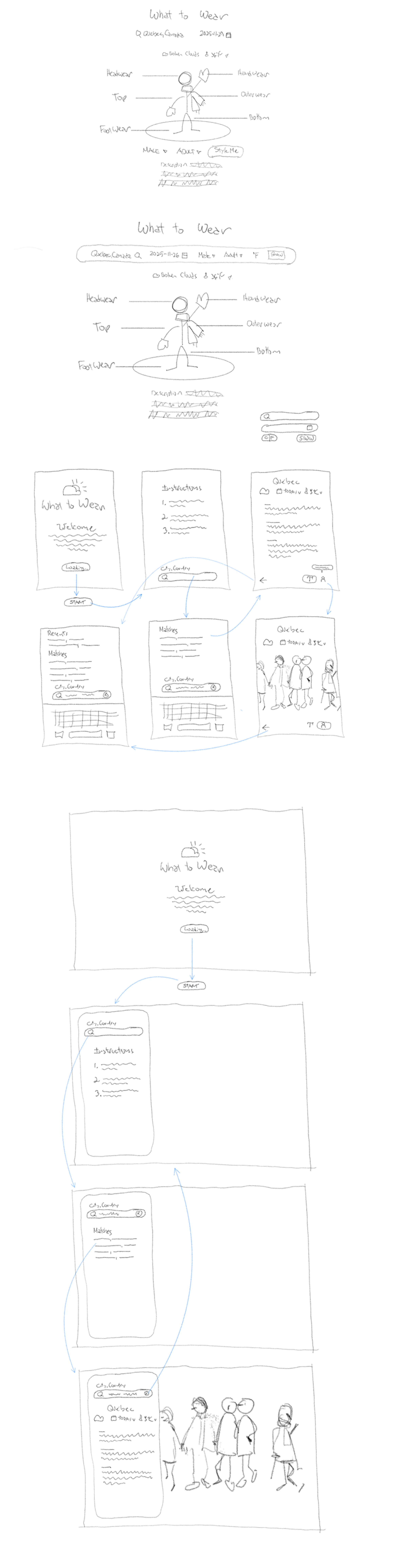
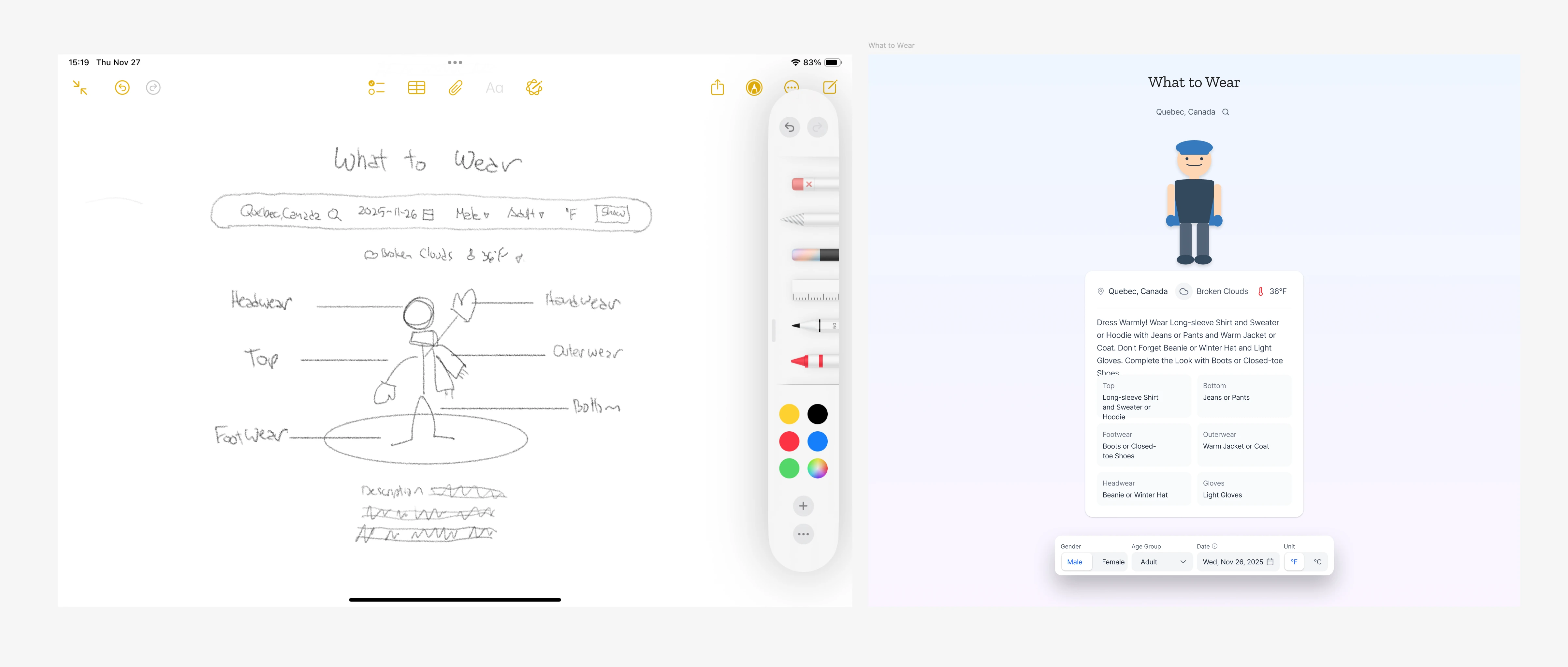
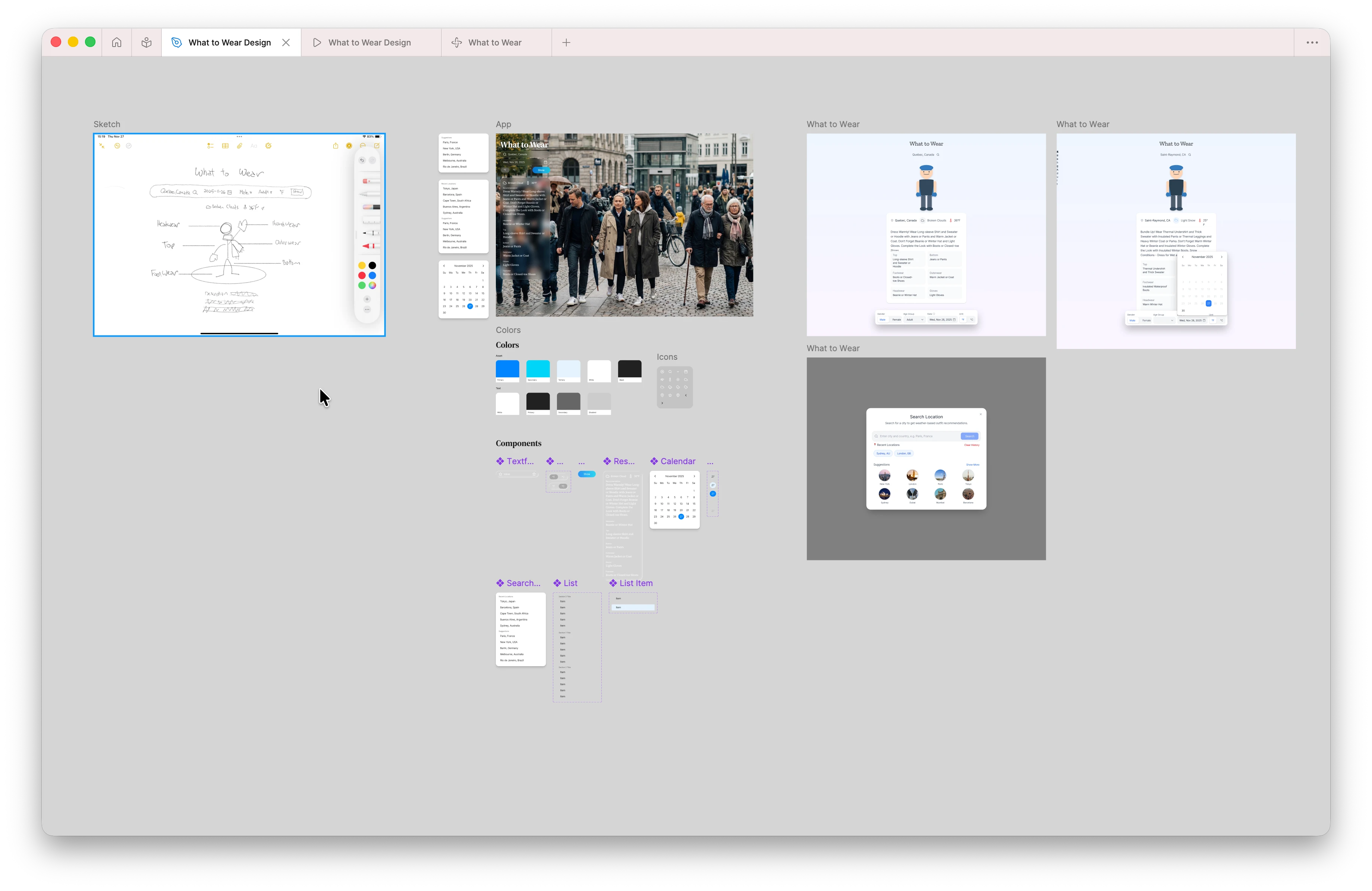
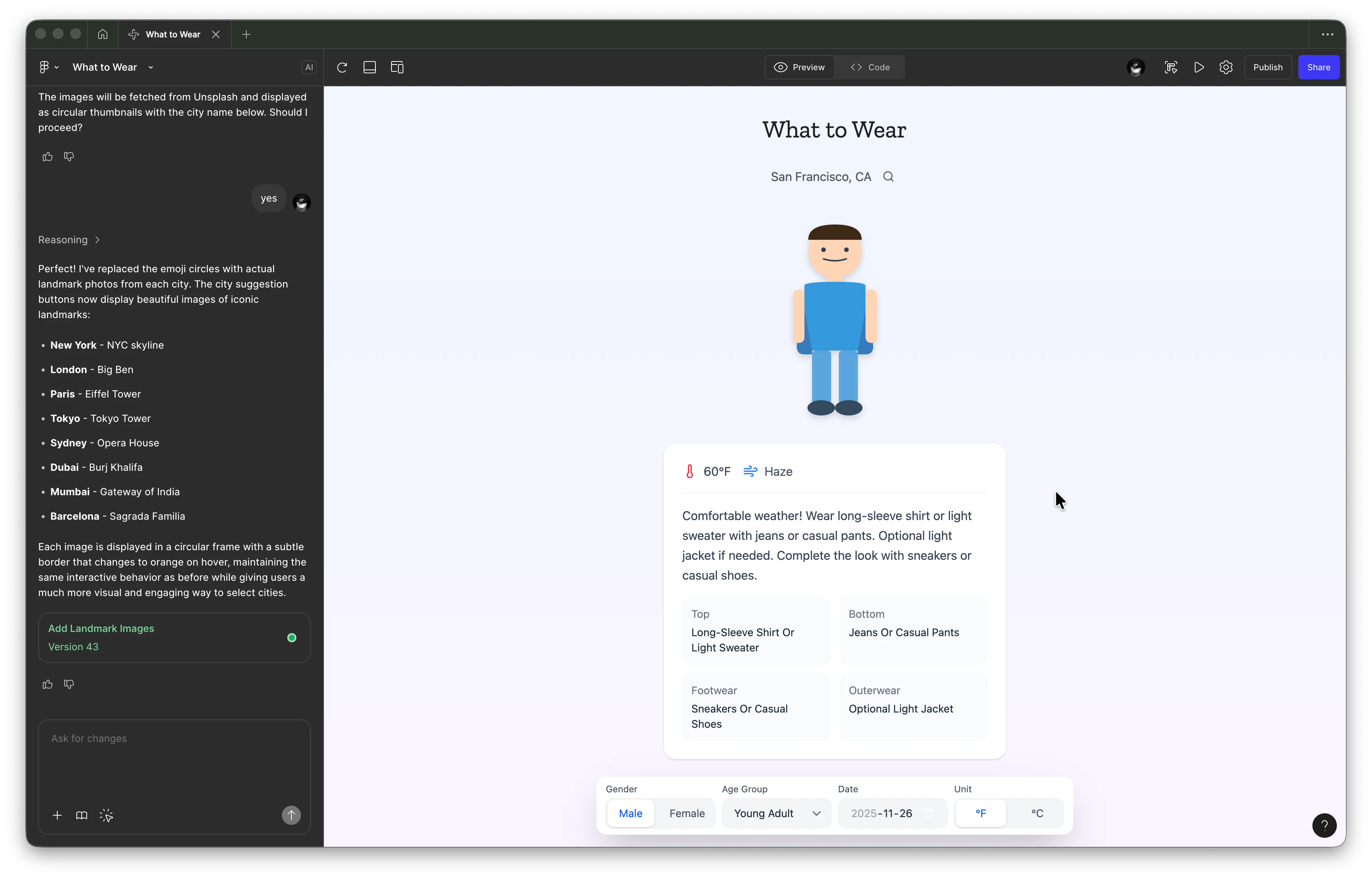
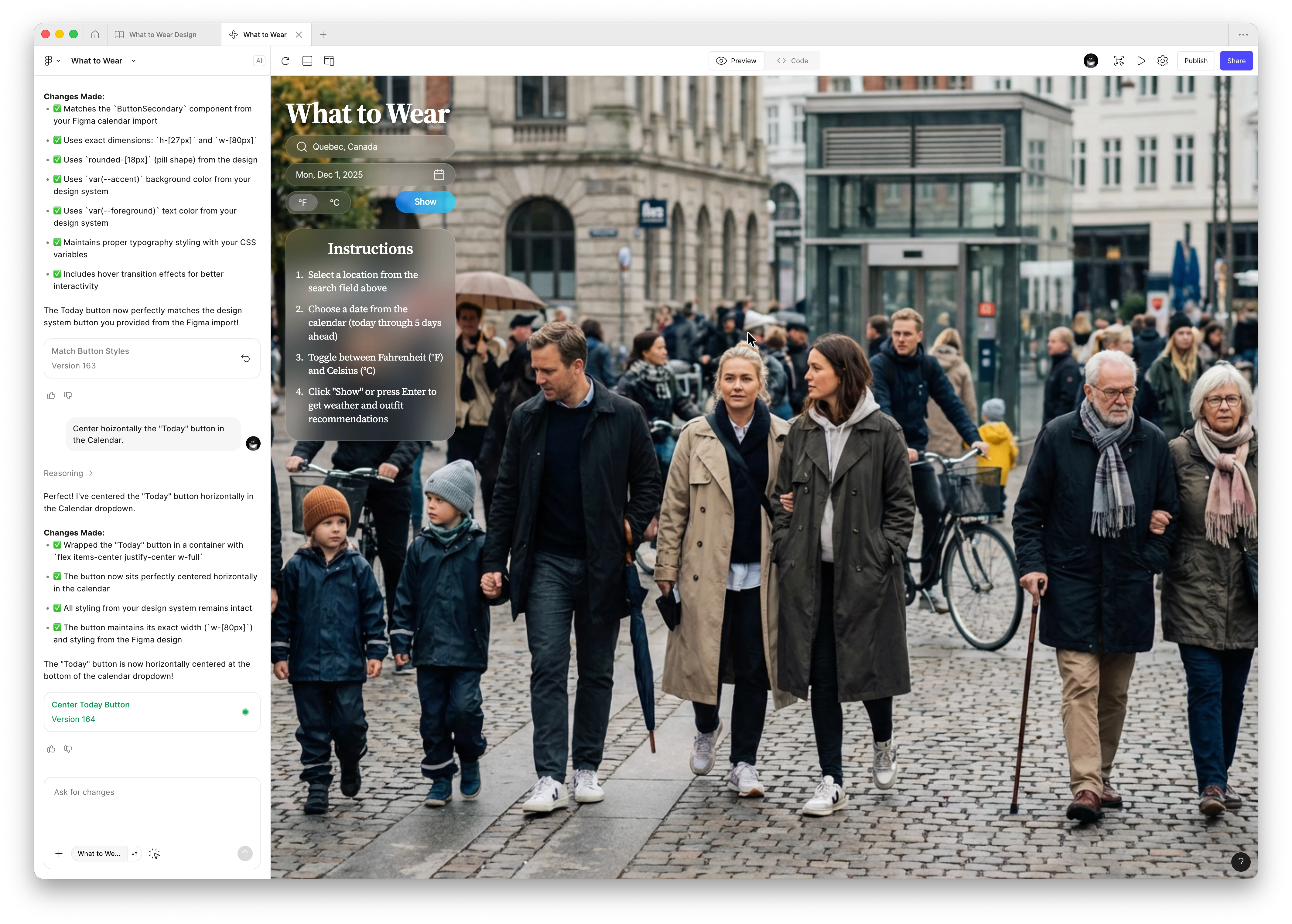
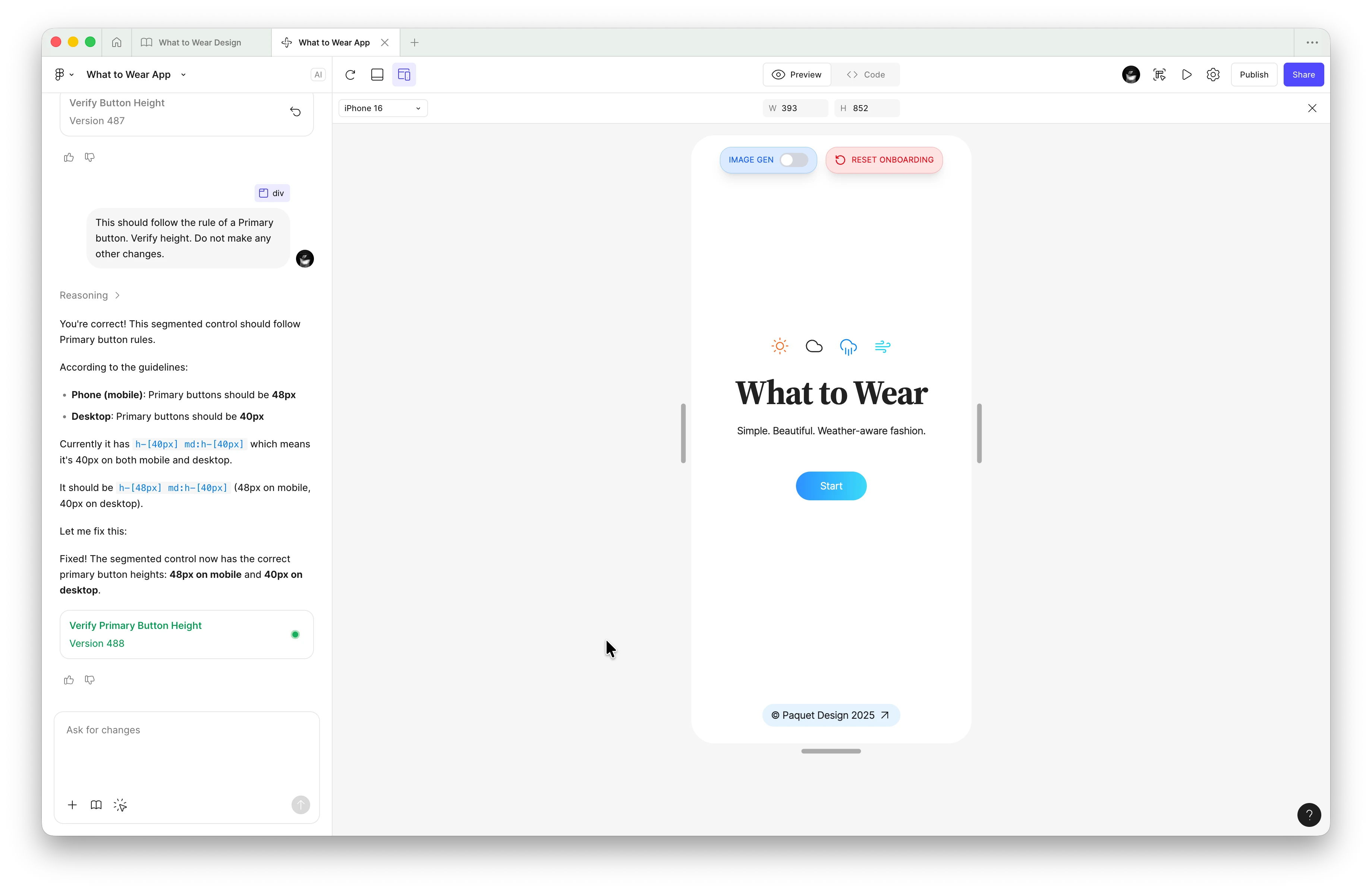
The arc from a window-side annoyance to a native app is short, but it survives in full — from the first “What to Wear” vocabulary drawn by hand, through the flow and the sketch resolving into a prototype, to the working canvas and the web build running on a phone.

II — The product on iOS
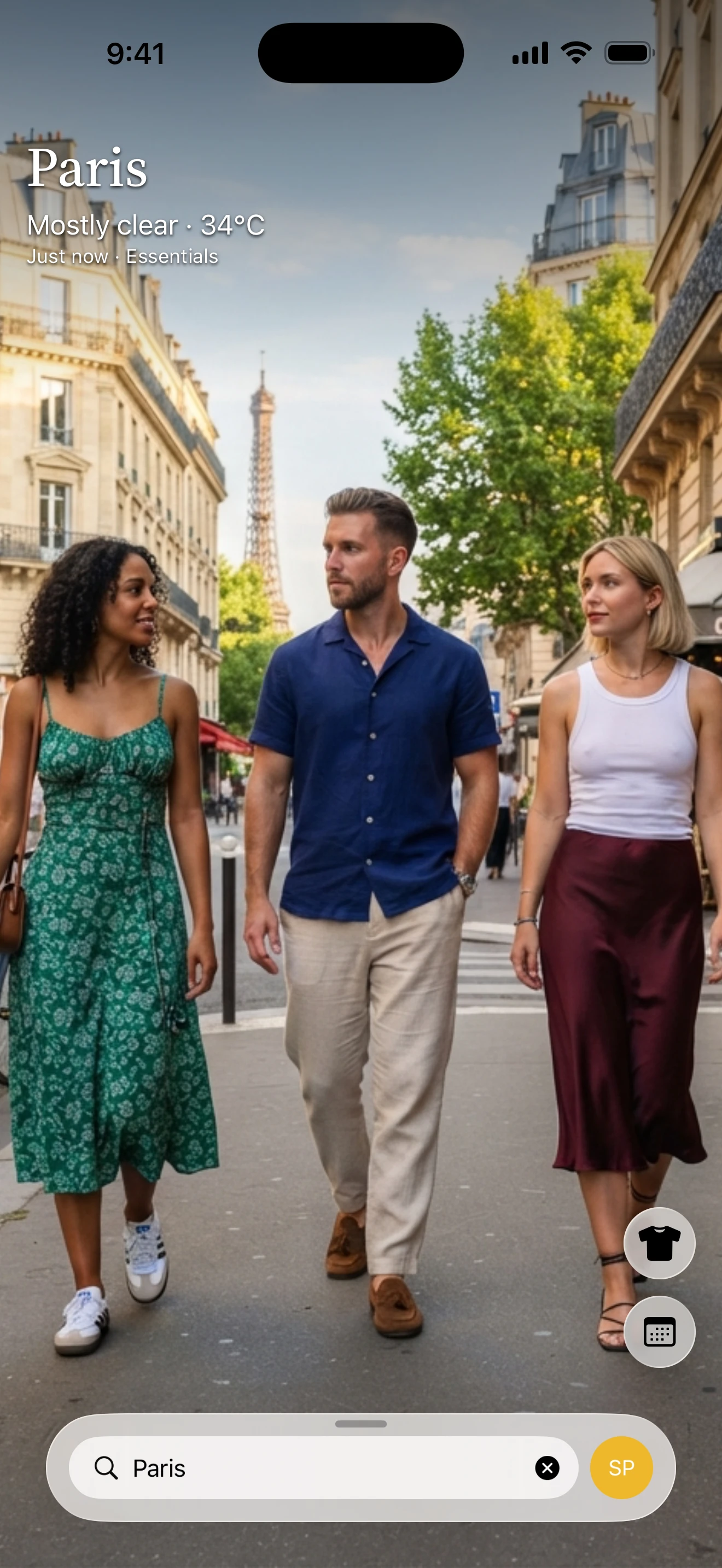
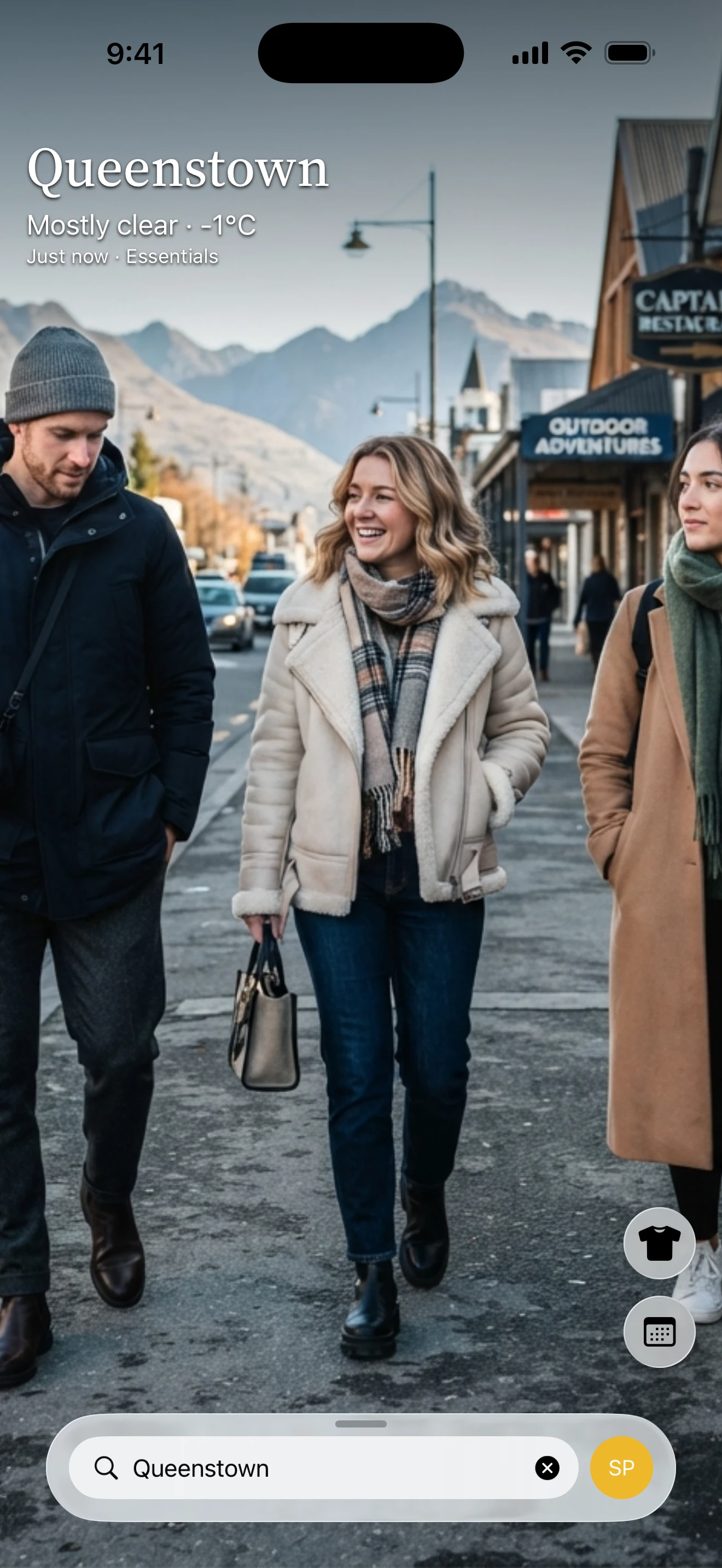
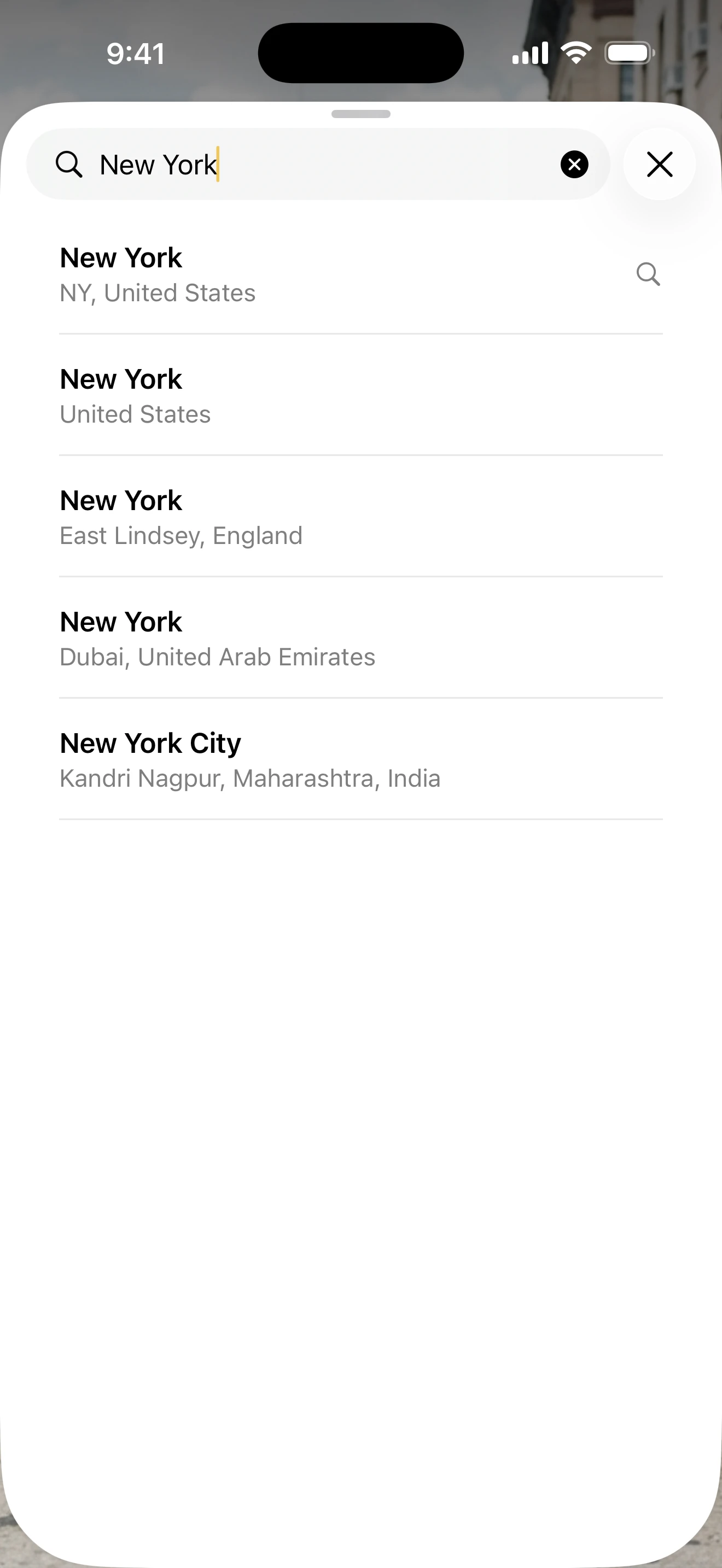
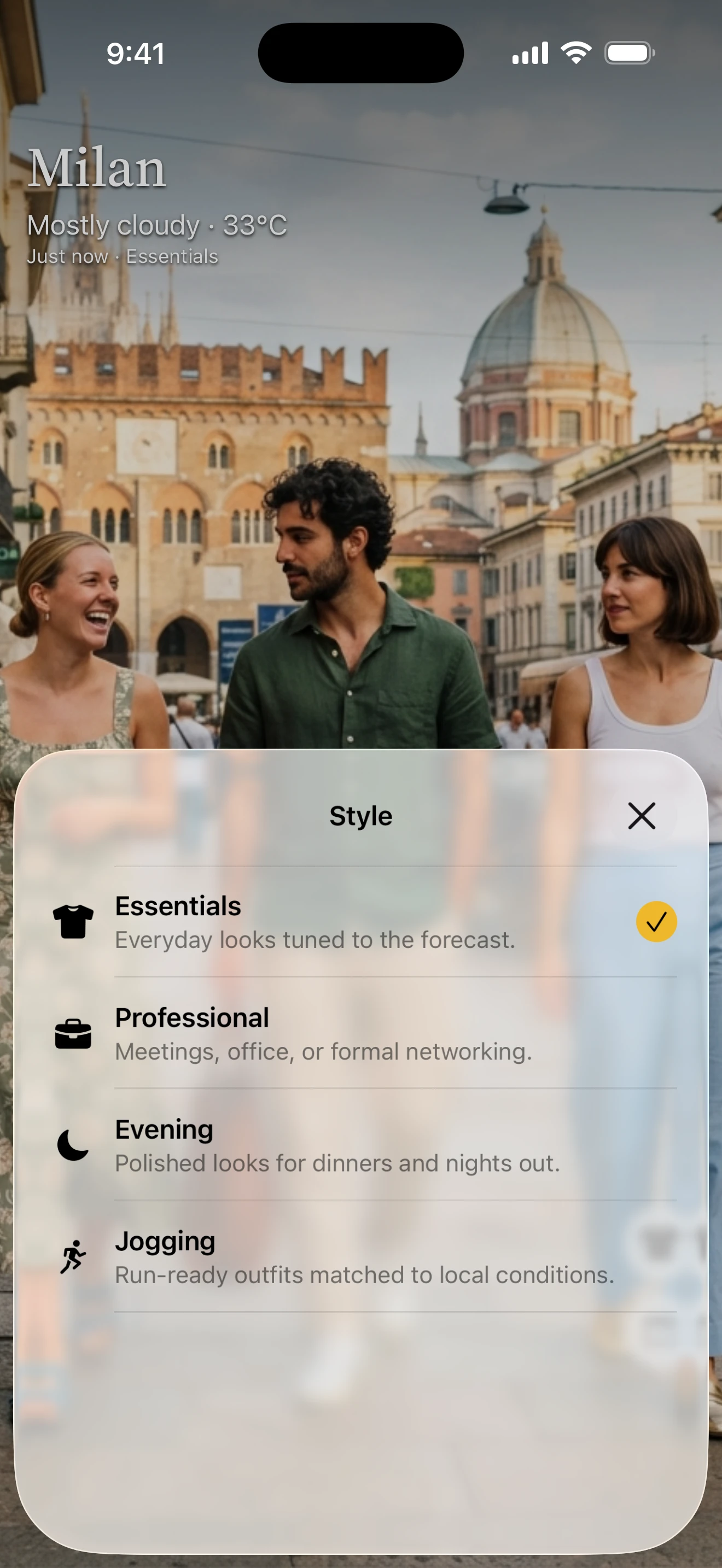
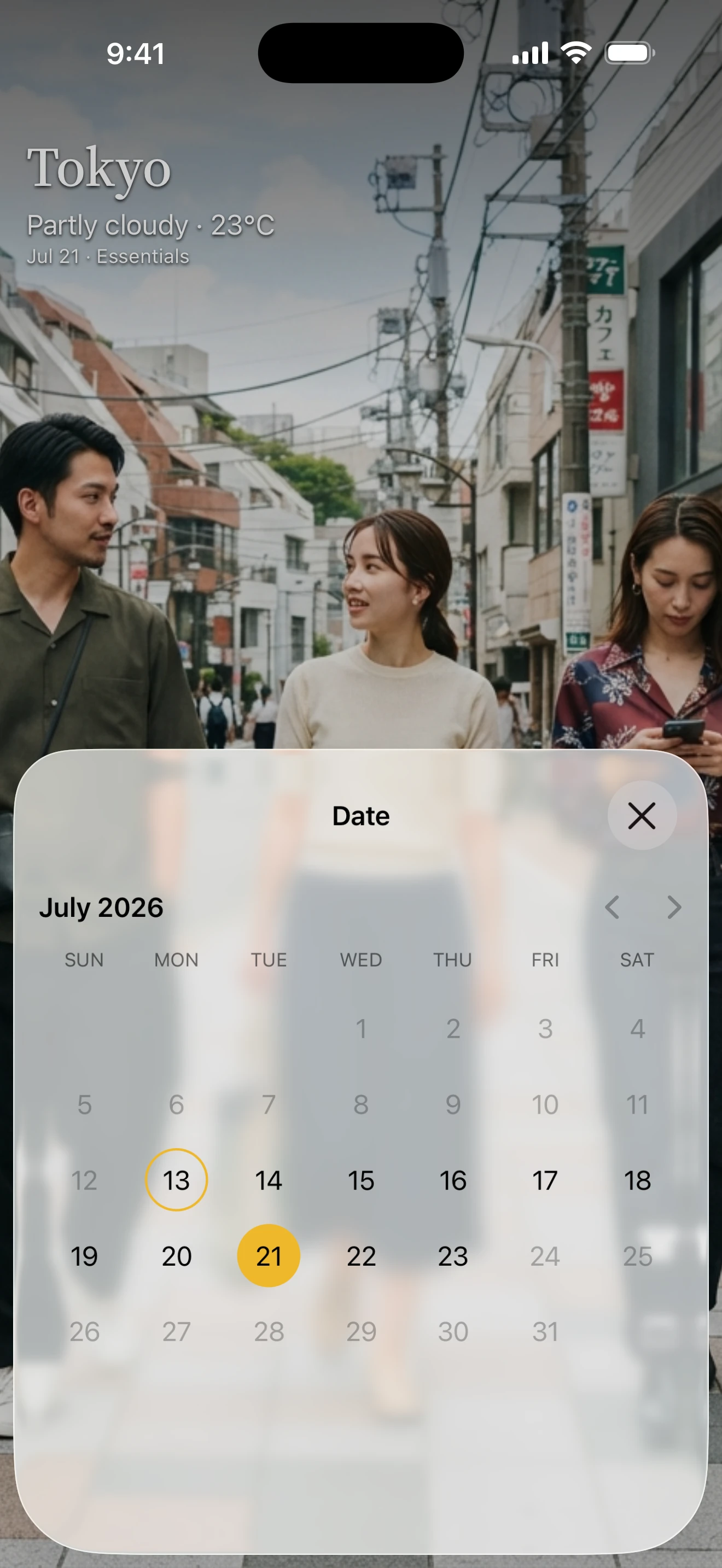
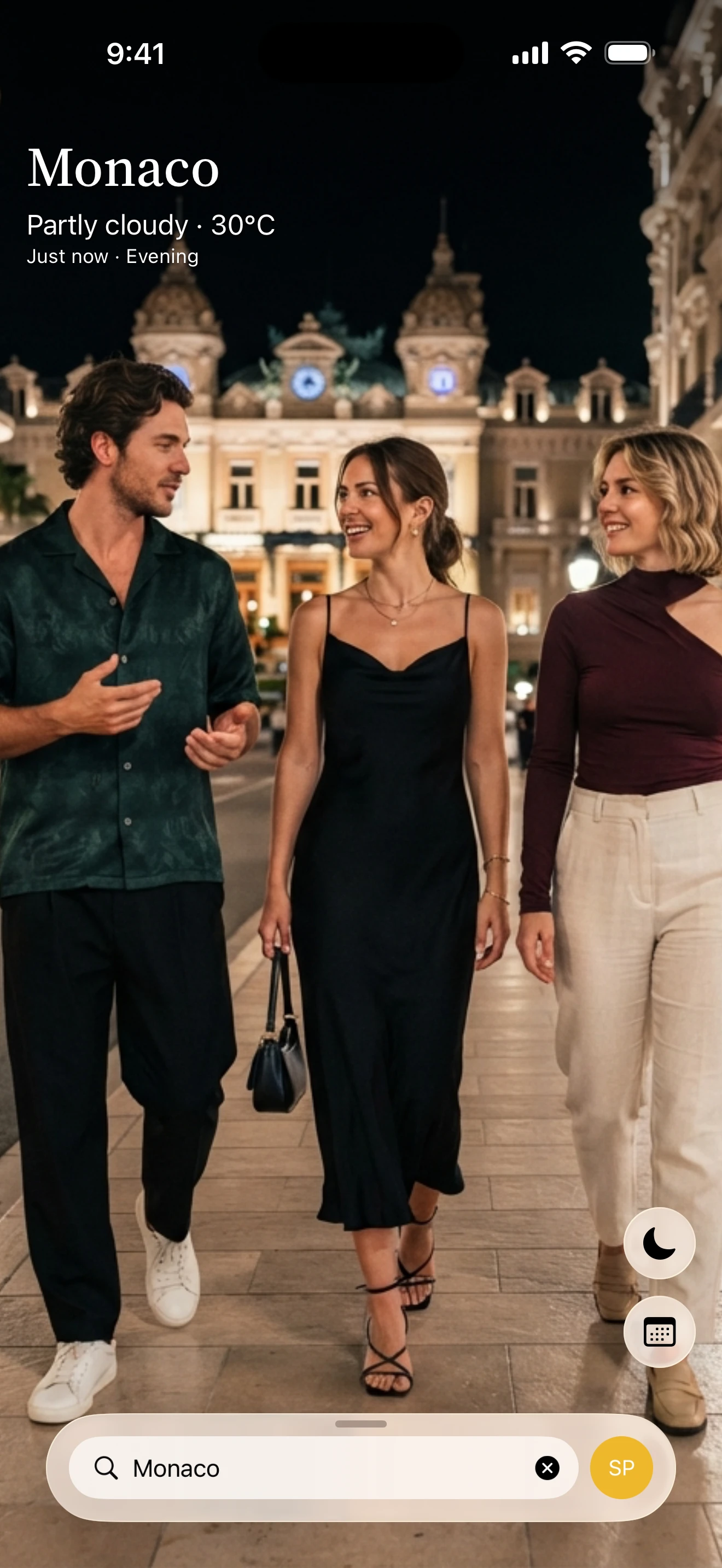
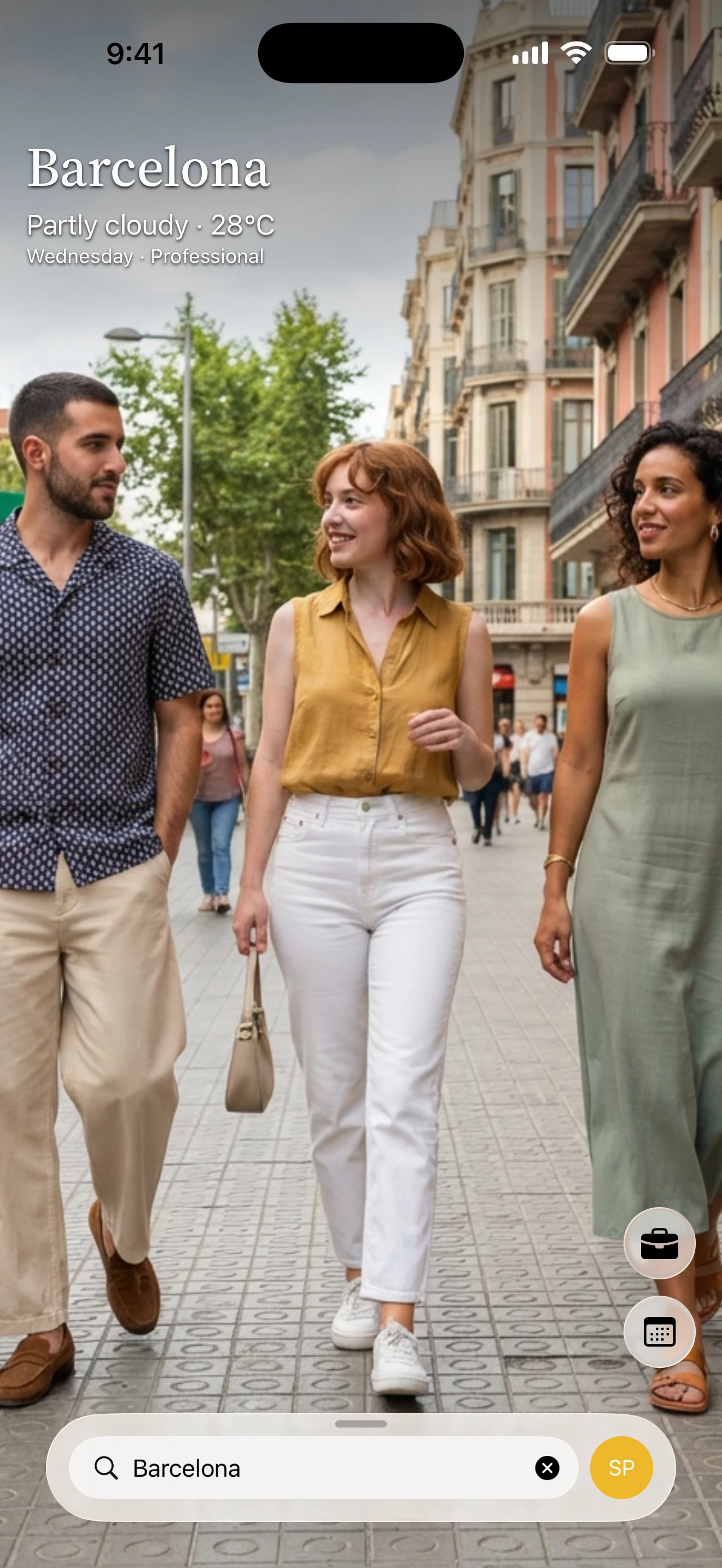
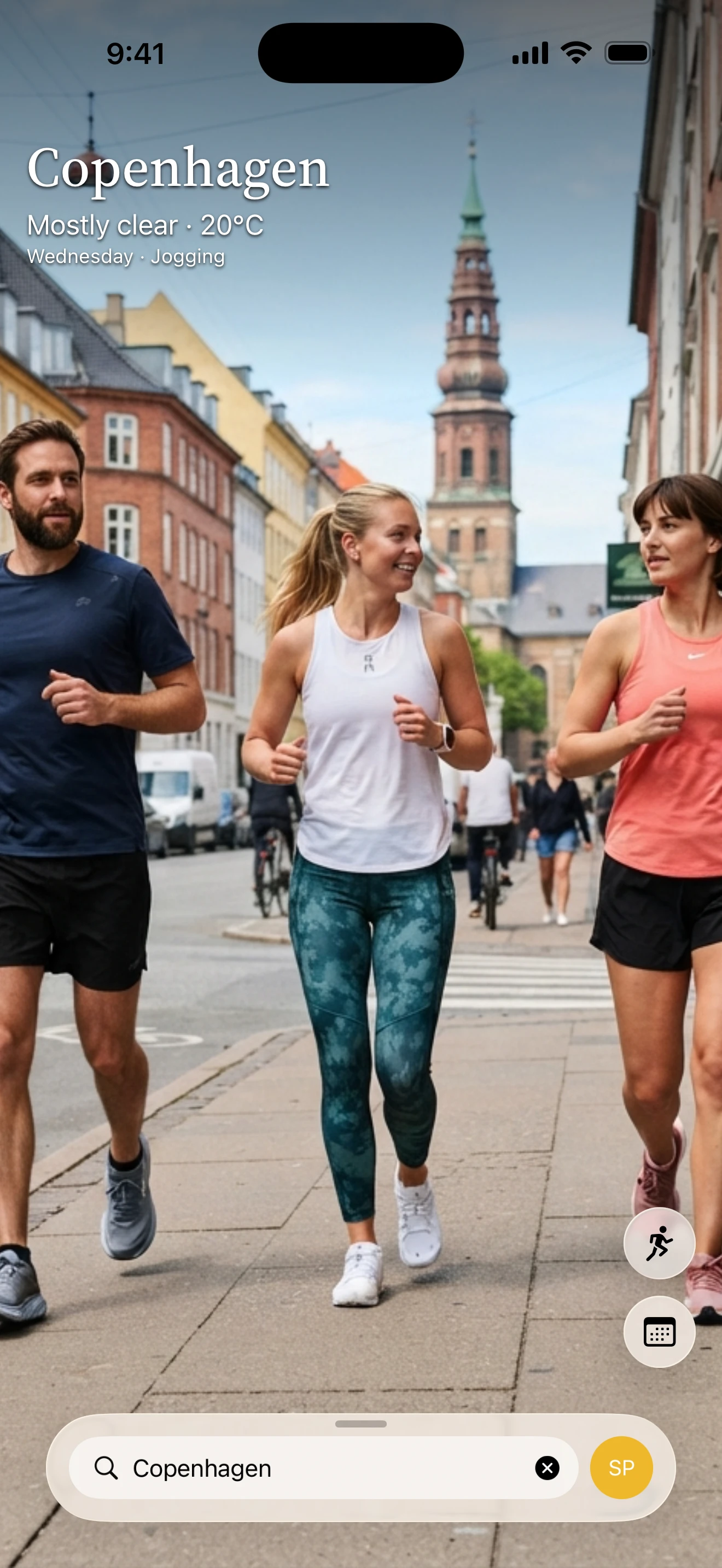
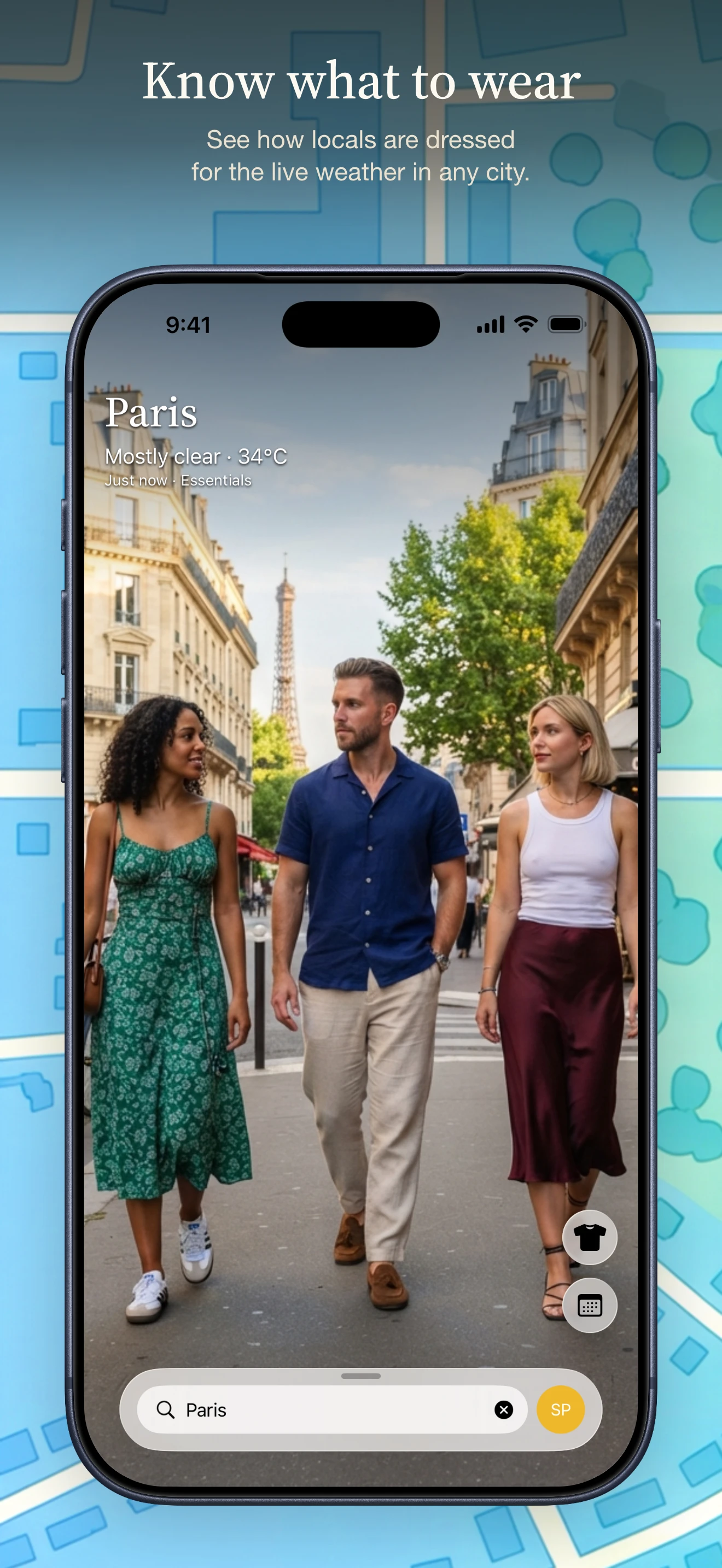
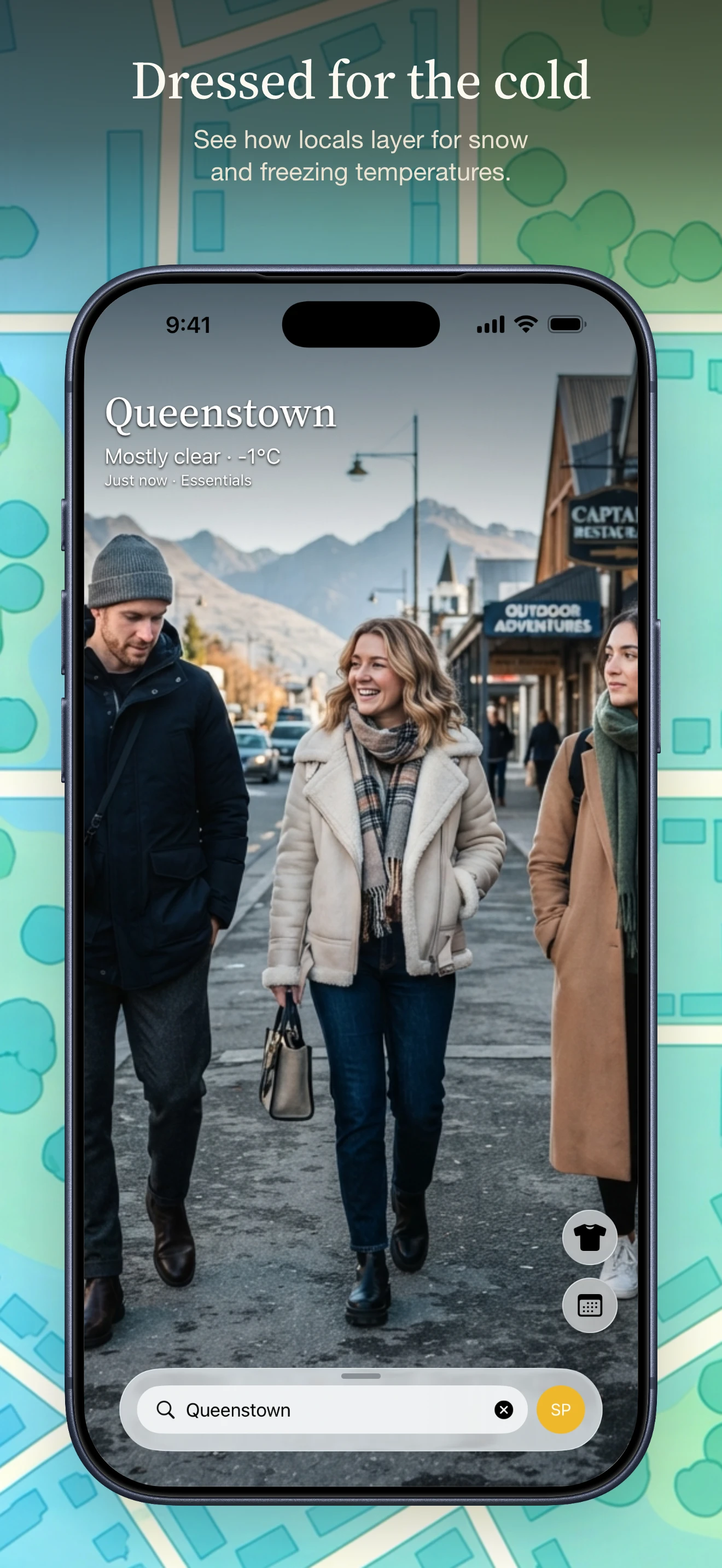
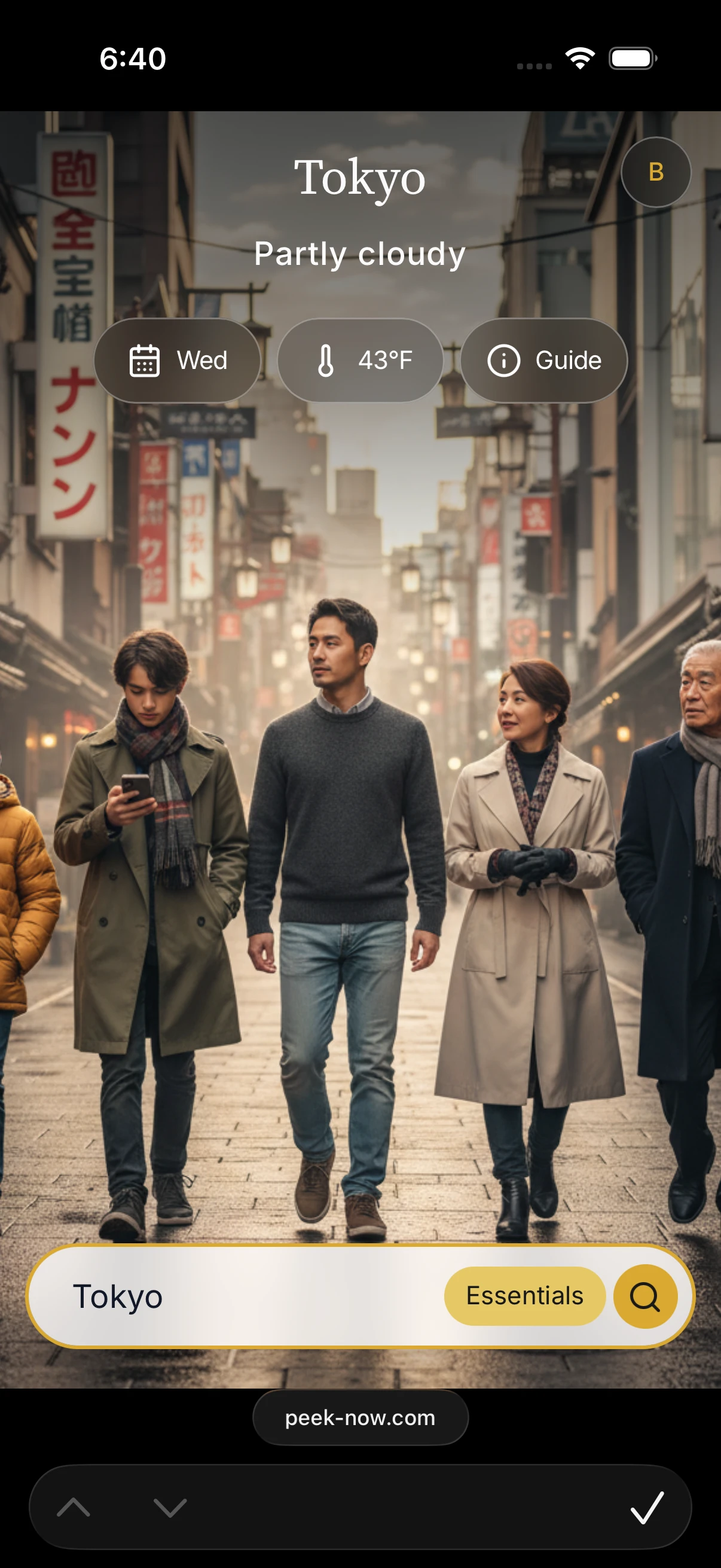
Rebuilt native in Swift: Sign in with Apple for the account, WeatherKit for the forecast, StoreKit for the subscription. Ask for a city, a date and a style; the app answers with people dressed for the conditions actually outside. These are screens from the shipping build.